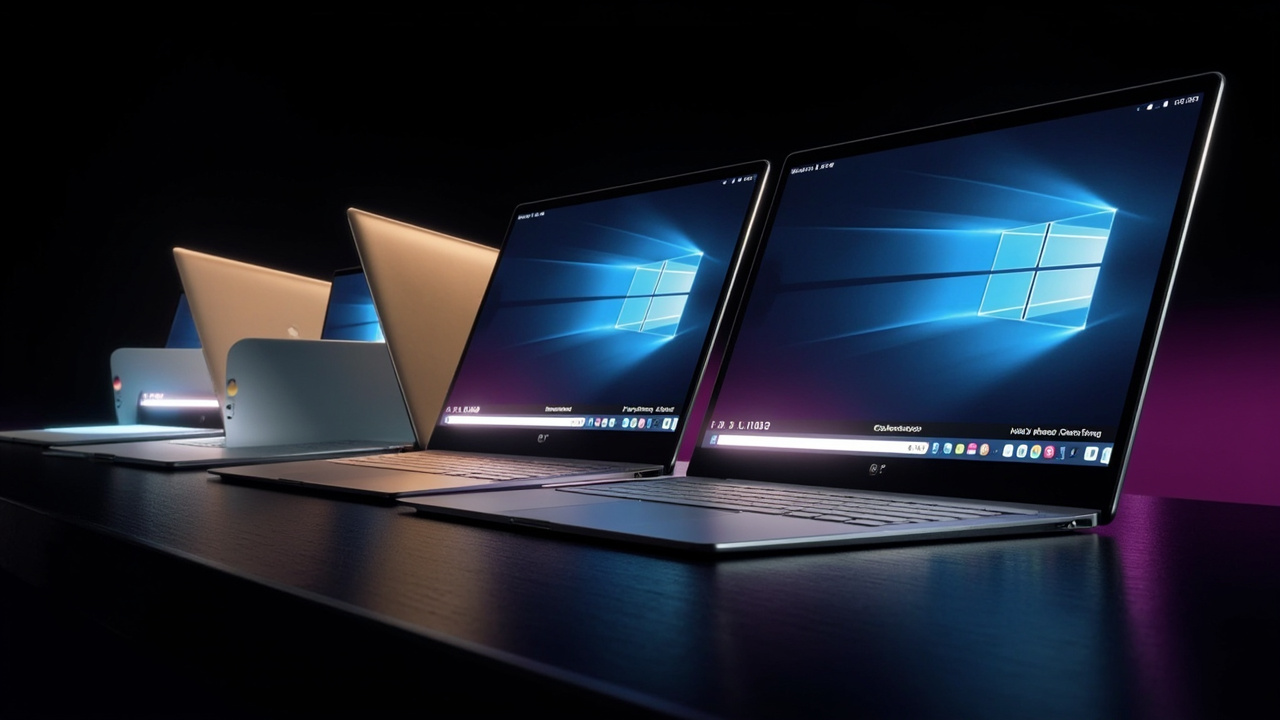
TL;DR: Google opened preorders September 21, 2026 for five premium Android-based Googlebook laptops from Acer, Asus, Dell, HP and Lenovo priced $899 to $1,299, with U.S. retail availability October 4 and wider release October 5.
Googlebooks open for preorder ahead of October launch
Google has started taking preorders for a new laptop category called Googlebook, positioning the devices as companions for Android phones with built-in Gemini assistance, according to Google.
The company said preorders opened September 21, 2026 through the Google Store, Best Buy and other retailers. Devices reach shelves October 4 in the U.S. and October 5 in Canada, the U.K., Ireland, France, Germany and Australia. Pricing starts at $899, with the highest starting price among the five launch models at $1,299.
The launch follows an initial outline shared in May and a press event in New York City last week where Google and its hardware partners detailed hardware and software, according to Engadget. The first lineup includes one model each from Acer, Asus, Dell, HP and Lenovo, all using the Googlebook name alongside partner branding.
Every purchase includes 12 months of Google AI Pro with 5TB of cloud storage and higher Gemini usage limits, plus three-month trials for YouTube Premium, Adobe Photoshop and CapCut, according to Google. The company also promises regular feature drops and updates for up to 10 years. Buyers also receive a complimentary year of GeForce NOW for playing owned PC titles.
Five flagship models share premium baseline
Google described the launch hardware as flagship systems built with aluminum, magnesium alloy and carbon fiber, with responsive touchscreens, haptic glass trackpads and backlit keyboards, according to Google.
Across the portfolio, Google lists a baseline of 16GB of high-speed RAM, with some configurations reaching 32GB. At launch, processor choices are Intel Core Ultra Series 3, also known as Panther Lake, and Qualcomm Snapdragon X Elite, paired with dedicated neural processing units rated at more than 45 TOPS for on-device AI work. MediaTek-based options are expected later, according to The Verge.
Battery expectations are up to 14 hours of video playback and 16 hours of web browsing, and designs are fanless for quiet operation, according to Google and Ars Technica. Displays go up to 2.8K OLED resolution, with touch support across the launch set.
A signature exterior element is the Glowbar, a light strip on the lid. Google said it illuminates at startup, sweeps to indicate battery charge and animates during Gemini interactions. The company plans to open Glowbar access to developers for custom animations, according to Google.
Acer Googlebook 14 starts lineup at $899
The Acer Googlebook 14 is the only convertible 2-in-1 in the opening group and the entry point at $899, according to The Verge.
It uses Intel Core Ultra 5 or Core Ultra 7 processors, 16GB of RAM and 256GB or 512GB of storage. The system has a 14-inch 2.8K OLED touch display, measures 13.9mm thick and weighs about 2.5 pounds. Connectivity includes Thunderbolt 4, two USB-C ports and a headphone jack, plus a fingerprint sensor.
Acer told The Verge that $899 is an initial launch price available for a limited time, with plans to reevaluate pricing over time based on component supplies and market pressures. That caution reflects broader industry shortages affecting RAM and other parts, according to The Verge.
Asus and Dell target travel and thin design
The Asus Googlebook 14 starts at $1,299 and emphasizes low weight and ports, according to The Verge. It weighs 2.2 pounds and is 14.0mm thick, with a metallic gray-blue chassis derived from the ExpertBook Ultra design language.
Its configuration options include Intel Core Ultra 5 or Core Ultra 7 Series 3 processors, 16GB or 32GB of RAM and 256GB or 512GB of storage. The display is a 14-inch 3K OLED touch panel. Ports include two USB-C, two USB-A, one HDMI and a headphone jack, plus a fingerprint sensor. It is one of two launch models with HDMI, according to The Verge.
The Dell XPS Googlebook starts at $999 through a special offer at Best Buy and closely resembles the XPS 13 in a light gold shimmer finish with the Googlebook glowbar added, according to The Verge. Unlike its Windows counterpart, it includes a fingerprint reader.
Dell’s version uses a Qualcomm Snapdragon X Elite processor with 16GB or 32GB of RAM and 512GB of storage. It has a 13.4-inch 2.5K touch display, measures 12.7mm thick and weighs 2.2 pounds. Port selection is limited to two USB-C ports, according to The Verge.
HP and Lenovo round out larger options
The HP Googlebook 14 starts at $1,299 and offers the broadest authentication and storage choices in the first wave, according to The Verge.
It runs on Snapdragon X Elite, with 16GB or 32GB of RAM and 256GB, 512GB or 1TB of storage, the highest maximum capacity among launch units. It has a 14-inch 2.8K OLED touch display in a dark blue chassis, measures 14mm thick and weighs 2.74 pounds. Ports are two USB-C and a headphone jack. It is the only launch model listed with both facial recognition and a fingerprint sensor alongside Lenovo’s larger system, according to The Verge.
The Lenovo Googlebook 15 starts at $1,149 and has the largest screen at 15.3 inches, according to The Verge. Its 2.8K OLED touch display targets productivity work, housed in a white chassis with a satin-like finish.
Lenovo’s configuration uses Intel Core Ultra 5 Series 3, 16GB of RAM and 256GB or 512GB of storage. It measures 15.95mm thick and weighs 2.84 pounds. Ports include two USB-C, one USB-A, one HDMI and a headphone jack, plus face authentication and a fingerprint sensor. Lenovo is also introducing an AI mouse with a matching glowbar, according to The Verge.
Built on Android with ChromeOS foundations
Googlebook OS is built on the Android technology stack combined with desktop foundations from ChromeOS, designed for Gemini intelligence and phone pairing from first setup, according to Google.
The interface will look familiar to Chromebook users, with a bottom app dock, desktop Chrome browser with extensions and access to Play Store Android apps, many optimized for large screens and keyboard and mouse input, according to Engadget. Underneath, Android powers the system, while an isolated Linux environment with a full terminal is included for developers.
Security carries over Chromebook elements, including the Google Titan hardware root of trust, defense-in-depth architecture and on-device malware detection, according to Google. Google is responsible for rolling out Googlebook OS updates rather than hardware makers, a continuation of the Chromebook update model noted by 9to5Google. Partners can specify preloaded apps but cannot heavily alter core interface elements.
Setup can pull in an Android phone’s settings, saved passwords, Wi-Fi networks and message history with end-to-end encryption, according to Google. Shared design conventions include Quick Settings and notifications in the top-right corner, Pixel-style Settings, widgets on the desktop and long-press customization, according to 9to5Google.
For apps, Google said users get desktop-class Chrome alongside millions of Android apps, native creative tools including Adobe Photoshop, Adobe Lightroom and CapCut, streaming services including Netflix and HBO Max with offline viewing, and thousands of Android games. Developers get Antigravity for building and deploying apps on-device and terminal tools for agentic coding, according to Google.
Phone handoff, file access and app casting
Phone integration is central to the pitch. Google executive Sameer Samat said at the presentation that the first step was focusing on the Android community because no laptop platform was built to work seamlessly with an Android phone, according to Engadget.
One feature, Continue On, lets users start work on a phone and resume on the laptop from the taskbar. Google demonstrated a multi-track BandLab music project moving from phone to Googlebook with tracks intact, and Gmail handing off from the Android app to the web interface on the laptop, according to Engadget. Nearby phones can surface app suggestions in the dock when signed in.
A second feature, Cast My Apps, streams phone apps into desktop windows for mouse, keyboard or touch interaction without interrupting phone use. The approach shows individual apps on the desktop rather than mirroring the full phone screen, a distinction from iPhone Mirroring on macOS noted by The Verge. Google told briefed reviewers that casting requires no extra developer work, while Continue On handoff to native or web destinations needs simple developer support, according to The Verge.
The Files app lists the paired phone in the sidebar like a local drive or home folder, allowing search, opening and sharing of phone files and photos directly from the laptop, according to Google. Files also receive AI-generated descriptions with natural-language search for locating images and documents, according to Android Authority.
Phone-based features require Android 17 or later, according to Android Authority. For iPhone owners, functionality is limited to a Link to iOS app for message syncing and replies, plus contact, call and file-sharing support, according to The Verge and Android Authority. Microsoft’s Link to Windows already offers extensive mirroring with more than a billion Play Store downloads, raising questions about switching incentives, according to Engadget.
Magic Pointer, Rambler and widgets add AI layer
Magic Pointer reworks the cursor as a Gemini entry point. A quick wiggle summons Gemini to the current screen context for scheduling, security checks, translation, organization and visual combinations, according to Google.
Examples cited by Google include highlighting a marathon training plan to create calendar entries, hovering over a suspicious email to assess spam risk, and selecting images to visualize together without manual uploads. The feature understands text, images and context but acts only when summoned and can be switched off, according to Google. Sensitivity is adjustable and a keyboard shortcut is available, according to Android Authority.
Rambler sits beside a new Quick Insert key that replaces Caps Lock and converts spoken thoughts into structured writing with headers, checklists and takeaways, according to Google. It handles disfluent speech, supports mid-sentence language switching and can add formatting such as emoji for meeting notes. The key also opens a floating window for emoji, recent screenshots and clipboard items, according to 9to5Google.
Create My Widget generates custom desktop widgets from plain-language descriptions, such as sports scores or trip countdowns pulling live data, according to Google. Broader Gemini capabilities from Chrome and Android, including task automations, Gemini Live and proactive suggestions, are present out of the box, with background processing able to continue while the lid is closed, according to Google.
On-device intelligence uses Gemini Nano through a hybrid architecture for screenshots, Magic Pointer, Rambler and widget generation, according to 9to5Google.
Sources referenced
- Googlebook is here and ready for pre-order - Google Blog (https://blog.google/products-and-platforms/devices/googlebook/pre-order-googlebook/)
- Premium materials and striking design set Googlebook apart - Google Blog (https://blog.google/products-and-platforms/devices/googlebook/first-look-googlebook/)